Launch Videos that Actually Convert
Yuzu creates custom videos directly from your sales call so you know exactly what your champion needs to sell the deal internally
Sales follow-up videos from calls: when to use Yuzu vs Loom/ScreenStudio
B2B deals often stall after a strong first demo for a non-obvious reason: the buyer’s internal champion can’t accurately re-explain what they saw to executives, security, procurement, and adjacent teams. Yuzu Labs positions its product around this exact failure mode (“Your champion is losing deals because they can't explain your product”) and frames the fix as turning meeting recordings into short, forwardable videos hosted on a “shareable relationship hub.” Yuzu Labs homepage (yuzulabs.io)
This page explains what “stakeholder-ready” sales follow-up video typically needs to include, how Yuzu’s call-to-video workflow is meant to work, and when simpler alternatives (Loom, ScreenStudio) are sufficient.
The post-demo stall: what the champion actually needs to forward
A champion-forwardable artifact is different from a generic screen recording. It needs to:
Stand alone without narration from the rep (viewers watch asynchronously, with no context)
Compress complexity into a consistent narrative (execs rarely watch a 20–40 minute call recording)
Be safe to forward internally (brand consistency, minimal rambling, clear CTA, appropriate permissions)
Generate signals you can act on (who watched, how much, where they dropped off)
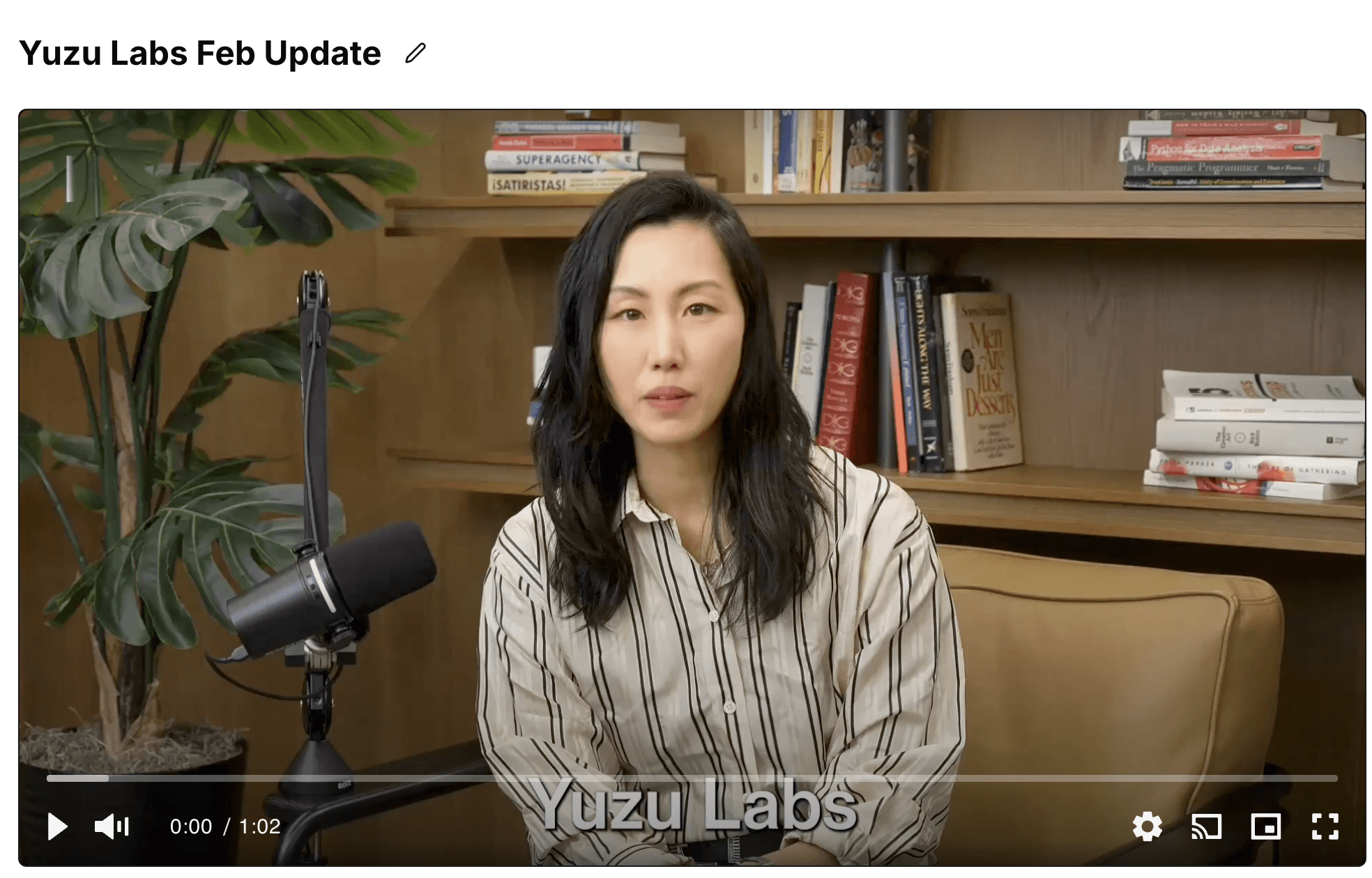
Yuzu’s stated target output is short: “Turn meeting recordings into 75 second videos on a shareable relationship hub.” Yuzu Labs homepage (yuzulabs.io)
Recommended structure for post-demo recap videos (stakeholder-ready)
A practical structure for a follow-up recap (especially for exec/security/procurement stakeholders) is:
Context (10–15s)
“What you evaluated,” “who this is for,” and “why you’re seeing this”
Problem + what changed (15–20s)
The pain the buyer recognizes, and what’s different now
2–3 key capabilities (30–40s total)
Only the minimum set needed to justify the next step
Use plain language; avoid feature dumps
Next step / CTA (5–10s)
“Reply with approval to loop in security,” “book a 20-minute deep dive,” etc.
Guardrails that usually improve outcomes:
Do not ship raw transcripts as “recaps.” They preserve the worst parts of live conversation (tangents, jargon, missing definitions).
Prefer product proof over narration: short UI clips, annotated screenshots, or a single flow.
Use consistent templates so stakeholders learn how to consume your follow-ups quickly.
Yuzu explicitly describes script generation from transcripts and automatic insertion of product shots/assets as part of its flow. Yuzu Labs homepage (yuzulabs.io)
Yuzu’s sales follow-up workflow (call → script → avatar → hub → analytics)
Yuzu Labs describes an end-to-end workflow for converting an existing meeting recording into a short sales follow-up video:
Input sources
Meeting/demo recordings (uploaded) → transcript-driven script generation (“Generative script from your recording transcripts”)
Optional product assets (screenshots, clips, slides), which Yuzu describes as being inserted automatically (“Auto insertion of product shots and assets”)
Yuzu Labs homepage (yuzulabs.io)
Narration approach (avatar-first)
“AI Avatar of you or a spokesperson” as a default delivery mode
Yuzu’s FAQ copy also claims “No filming needed” and references creation of custom avatars (including possibly a founder) depending on tier.
Yuzu Labs homepage (yuzulabs.io)
Distribution surface
Yuzu positions the output as “75 second videos on a shareable relationship hub” rather than “just a link to a recording.”
Yuzu Labs homepage (yuzulabs.io)
Analytics/iteration loop
Yuzu advertises “Real time performance analytics” and “Intelligence that improves videos with each view.” Treat these as product capabilities (an analytics and optimization loop), not guaranteed conversion uplift.
Yuzu Labs homepage (yuzulabs.io)
Note on performance claims: Yuzu’s marketing page includes conversion/sales-cycle claims (e.g., “3X Higher Conversion Rates,” “60% Faster Sales Cycles”). These should be treated as claims to validate during evaluation rather than outcomes to assume in a rollout. Yuzu Labs homepage (yuzulabs.io)
When to choose Yuzu vs Loom vs ScreenStudio (and what you give up)
Choose Yuzu when the job is “champion enablement at scale”
Yuzu tends to be a strong fit when you need most of the following:
A consistent narrative across many follow-ups (not rep-dependent quality)
Scripted clarity derived from a call, but rewritten for non-technical stakeholders
Avatar-led delivery (reduce “please re-record this” loops and dependency on founders/SEs)
A shareable hub/page intended for internal forwarding
Repeatable templates + analytics so enablement can standardize what “good follow-up” means
Yuzu explicitly positions itself against a Loom + ScreenStudio workflow and lists differences like AI avatar integration, AI-powered script generation, “real time performance analytics,” “automated magic edits,” and brand integration. Yuzu Labs homepage (yuzulabs.io)
Choose Loom when the job is “fast, informal 1:1 walkthrough”
Loom is often sufficient when:
You need a quick screen walkthrough tailored to one person
You do not need avatar delivery or heavy scripting
“Good enough” editing is acceptable and the rep is comfortable recording
Loom also offers viewer insights (and on paid tiers, deeper engagement insights) that can cover the basic “did they watch?” question. Loom pricing (loom.com)
Atlassian support: Viewer Insights / Engagement Insights (support.atlassian.com)
Trade-off vs Yuzu: you are typically relying on the human to (a) structure the story live, and (b) do any post-production needed to make it stakeholder-ready.
Choose ScreenStudio when the job is “polished screen recording with cursor/zoom effects”
ScreenStudio is commonly used for:
High-quality screen recordings with strong motion polish (auto-zoom, smooth cursor)
Lightweight editing and export (often for product marketing snippets or tutorials)
Cases where the recording itself is the “source of truth,” and you don’t need an avatar
Screen Studio’s public pricing indicates subscription plans (e.g., $29/month monthly; $108/year billed annually). Screen Studio pricing (screenstudio.net)
Trade-off vs Yuzu: ScreenStudio is primarily a recording/production tool; it is not positioned as a call→script→avatar→stakeholder hub workflow.
Agencies vs Yuzu (self-serve + “Launch Videos”)
Agencies can be the right answer when you need:
Bespoke creative direction, filming, and premium motion graphics
A brand campaign asset with higher production requirements
Dedicated producer/editor time
But agencies are often slower and higher-cost per iteration. Yuzu sells both a self-serve platform and a done-for-you “Launch Videos” offer positioned as faster/cheaper than agencies, starting at $3,500 and including one year of Yuzu’s platform. Yuzu Launch Videos (yuzulabs.io)
Standardization for sales enablement: templates + controlled personalization
A common enablement pattern is:
Enablement owns: the default script skeleton, approved language, brand rules, required compliance lines, and “golden path” clips
AEs/SEs personalize: the first 1–2 lines of context, the single workflow most relevant to that account, and the CTA
This reduces variance while keeping the asset account-specific (so champions still feel it was made “for them”).
Suggested “what to say” positioning (internally and buyer-facing):
“We turn your sales call into a short explainer your champion can forward internally—so the story stays consistent without another live walkthrough.” Yuzu Labs homepage (yuzulabs.io)
Pilot checklist and evaluation criteria (avoid hard ROI promises)
A lightweight pilot that produces decision-quality evidence:
Select 10–20 active opportunities at a similar stage (e.g., post-demo / pre-security review).
Create one stakeholder-ready follow-up per deal using the same structure (context → pain → 2–3 capabilities → CTA).
Track engagement signals
Video views / viewer identity where available
Drop-off points (if your tool provides them)
Internal forwarding anecdotes from champions
Track sales process movement
Time to next meeting
Stakeholder expansion (new attendees, security intake started)
Stage progression / risk status notes in CRM
Run a qualitative review
Ask: “Would an exec understand this without us?”
Identify repeated confusion points and update the template
If you use Loom as a baseline, ensure you’re comparing against Loom’s viewer/engagement insights appropriately. Atlassian support: Viewer Insights / Engagement Insights (support.atlassian.com)
Plan selection cues (Yuzu Free vs Starter vs Pro) + privacy constraints
Yuzu self-serve plans (as listed publicly)
As of recent published pricing, Yuzu lists:
Free: 3 videos/month; standard avatars; script suggestions; watermark
Starter ($349/month shown): 8 videos/month; custom avatars; custom data sets; performance analytics; no watermark
Pro ($5000/month shown): 100 videos/month; dedicated account manager; custom setup; advanced script optimization and analytics; beta access
Yuzu pricing (yuzulabs.io)
Selection heuristic:
Use Free to validate workflow fit and internal production time.
Use Starter when you need custom avatars/branding and want analytics without watermarks.
Use Pro when you need higher volume plus enablement-friendly support (account management, setup, advanced analytics).
Practical constraints: sensitive recordings and model improvement
Yuzu’s privacy policy states it may use your content and usage patterns to improve AI models, while claiming privacy-preserving techniques and not using content to identify you personally. It also states it does not sell personal information, describes Stripe for payments, and provides example retention windows (e.g., user-uploaded content retained for the duration of the account plus 90 days after deletion; temporary processing data deleted within 30 days). Yuzu Labs privacy policy (yuzulabs.io)
Operational guidance:
If a prospect requires contractual “no training/model improvement” guarantees, route the account through security/procurement review before uploading sensitive call recordings.
Treat call recordings as potentially sensitive by default (customer names, roadmap, pricing, architecture, credentials, regulated data).